Web apps and URLs
Every customer-facing tool in your account has its own web address, live from the day your account is created. Apps & Embed → Web Apps is where you find them all in one place.
What you'll find there
The Web Apps screen shows a card for each app your account has enabled:
- Each quote tool you offer — Solar, Commercial Solar, Battery, Heat Pump, Air Conditioning, Boiler
- Your Customer Portal
- Your Proposals App
Apps not enabled for your account appear greyed out.
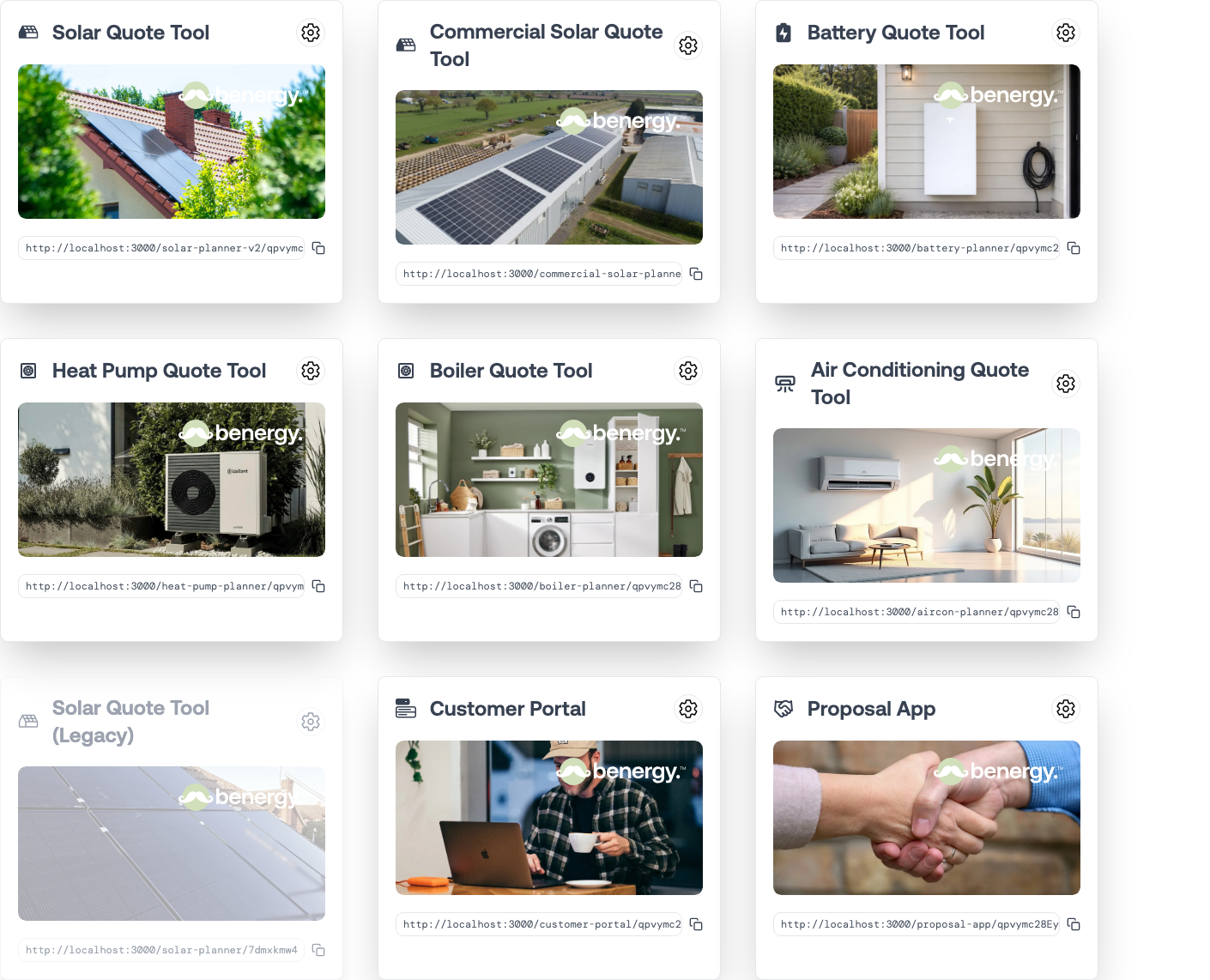
Each card gives you three things:
- A cog icon through to that app's settings
- A Launch action that opens the customer-facing app in a new tab — hover over the card's image to reveal it
- The app URL, with a button to copy it
Getting a quote tool's address
- Go to Apps & Embed → Web Apps.
- Find the card for the tool you want.
- Click the copy button next to its URL.
That address is immediately usable. Paste it into a button on your website, an email, or a text message to a customer.
You can also find the same address on the tool's own Overview tab under Hosted URL, with a button to open it in a new tab.
Check it before you send it
Use Launch and work through the tool as a customer would before you put the address anywhere public. It is the quickest way to catch a missing package, an odd price, or copy that still says "quote" when your business says "estimate".
Making the address your own
The default address sits on a Simplified subdomain. Customers will notice, and on a considered purchase it costs you a little credibility.
To use your own instead, register a subdomain and map it to the app — see Custom domains and subdomains. Once mapped, quote.yourbusiness.co.uk serves the same tool.
You can have more than one address pointing at the same app, which is useful for campaign-specific landing paths. One is marked as the default, and that is the one used in links inside emails Simplified sends on your behalf.
What's next
- Custom domains and subdomains — using your own address
- Widget Studio — embedding rather than linking